


- Introduction: Why Smart Home Security Matters
- How Smart Home Security Works
- Top 10 Smart Home Security Best Practices
- Choosing Secure Smart Home Devices
- Network Architecture: Practical Setup Steps
- Local Control vs. Cloud: Pros and Cons
- Privacy Considerations and Data Management
- Maintenance and Ongoing Security Habits
- Responding to a Smart Home Security Incident
- Case Study: Securing a Two-Bedroom Smart Home
- Recommended Products and Tools (2026)
- FAQs: Voice Search–Friendly Questions
- How do I make my smart home more secure?
- Should I use cloud services or keep everything local?
- What is the best way to manage passwords for smart devices?
- Schema Markup Recommendation
- Image Alt Text Suggestions
- Social Sharing Optimization
- Conclusion
Essential Guide to Smart Home Security: Practical Steps to Protect Your Home in 2026
Smart home security has become a vital priority for homeowners and renters alike. With connected devices increasingly controlling lighting, locks, cameras, and thermostats, the convenience of smart technology brings new safety challenges. This article explains how smart home security works, outlines practical strategies to harden your setup, and provides actionable recommendations for selecting devices, deploying secure networks, and maintaining long-term protection.
Introduction: Why Smart Home Security Matters
Smart devices simplify daily life but also expand the attack surface for cybercriminals and opportunistic intruders. Industry analysts project continued growth in connected home devices, which means more endpoints to manage and protect. Homeowners face both physical risks—broken locks, tampered cameras—and digital risks, including account takeover and device manipulation. In this guide, you’ll learn how to secure the most common smart home components, set up a resilient network, choose trustworthy products, and implement best practices for privacy and incident response. Whether you’re a first-time smart home owner or upgrading an existing system, the tactics below balance usability and security so you can enjoy automation without unnecessary risk.

How Smart Home Security Works
Understanding the architecture of a smart home helps prioritize defenses. Most systems involve four layers:
- Devices: Sensors, cameras, locks, thermostats, speakers.
- Local hub or gateway: Bridges that aggregate device traffic (Zigbee, Z-Wave, Thread).
- Home network: Your Wi‑Fi router, switches, and VLANs.
- Cloud services and mobile apps: Remote control, updates, and data storage.
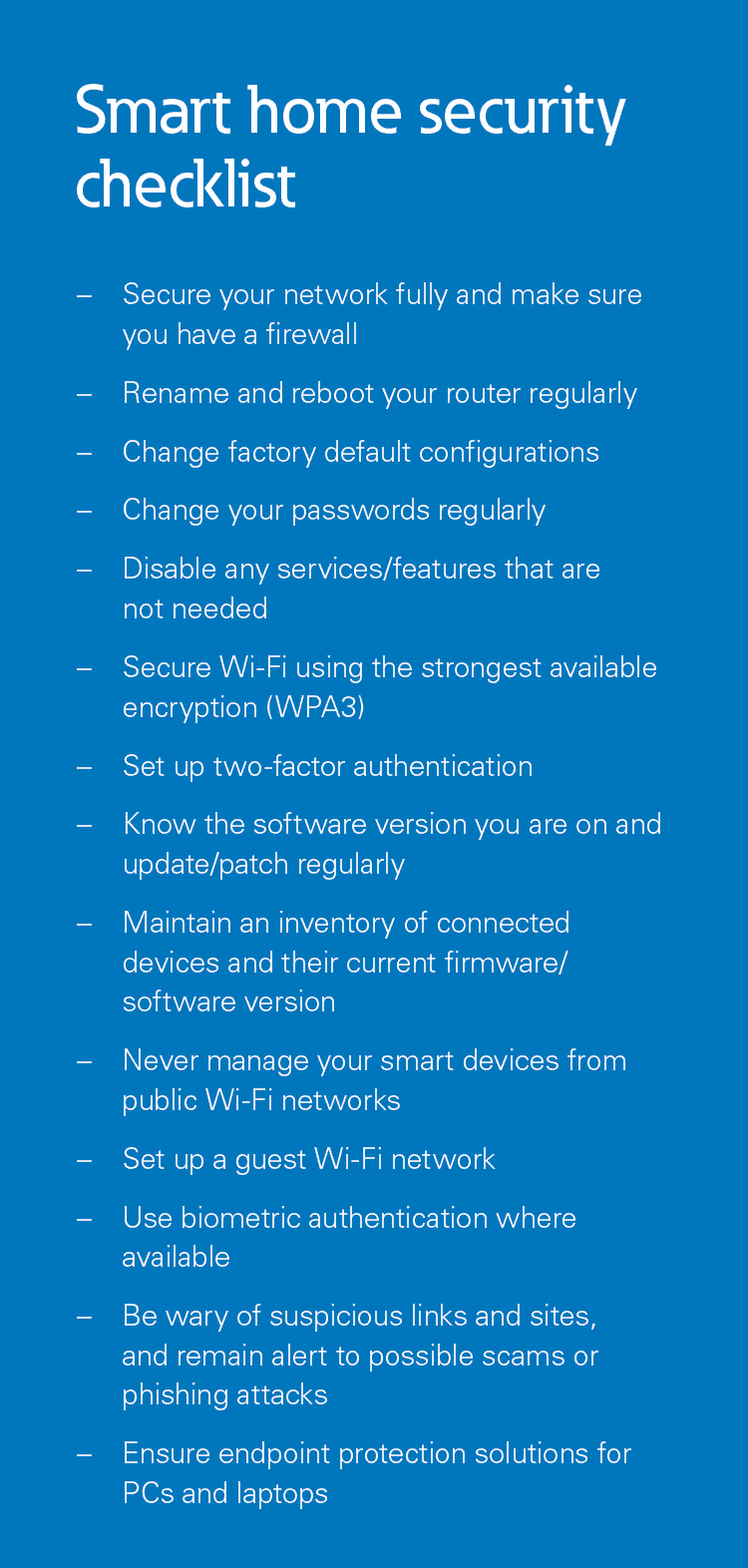
- Change default passwords and enable multi-factor authentication (MFA): Immediately replace default device and admin passwords with unique, strong passphrases. Use MFA for manufacturer accounts and your primary email account.
- Segment your network: Create separate VLANs or SSIDs for IoT devices, guests, and personal devices. Limit communication between segments to what’s necessary—for example, allow your phone to reach the camera but not the thermostat’s admin interface.
- Keep firmware and software updated: Regularly apply updates to devices, hubs, and routers. Enable automatic updates where possible, but review changelogs to avoid disrupting critical automation.
- Use secure Wi‑Fi settings: Use WPA3 if available, or WPA2-AES. Disable WPS and UPnP if not explicitly needed.
- Choose reputable vendors: Buy devices from manufacturers with a history of security support, timely updates, and clear privacy policies.
- Limit cloud exposure: Where possible, prefer local control or privacy-focused cloud services. Disable unnecessary remote access and camera recordings if privacy is a concern.
- Monitor logs and alerts: Configure notifications for new device joins, failed login attempts, and critical firmware updates. Periodically review device activity logs.
- Use strong home network hardware: Invest in a secure router with regular updates, good firewall features, and VLAN support. Consider using a consumer firewall or small UTM device for advanced controls.
- Secure physical access: Place smart hubs and routers in secured rooms. Use tamper-resistant mounting for cameras and locks where appropriate.
- Plan for incident response: Know how to revoke access, reset devices, and restore your network if a device is compromised.
- Clear firmware update policy and timeline
- Support for industry-standard encryption (TLS, HTTPS)
- Offers MFA and granular access controls
- Good privacy policy that explains data retention and sharing
- Active vulnerability disclosure or bug bounty program
- Prefer models that allow offline unlocking (e.g., keypad or physical key) if the cloud service is unavailable.
- Review audit logs to see entry history and configure role-based access for family and guests.
- Configure motion zones and sensitivity to reduce false alerts and unnecessary cloud uploads.
- Disable microphones if audio recording isn’t needed for privacy.
- Verify that the hub enforces secure pairing and regular updates.
- Main network (trusted): Laptops, phones, tablets, family devices with full internet access.
- IoT network (isolated): Cameras, locks, sensors with restricted access to the internet and specific devices only.
- Guest network: Separate guest SSID with internet-only access and bandwidth limits.
- Management VLAN: For routers, NAS, and smart home controllers; restrict access to administrators.
- Review privacy policies and disable telemetry where possible.
- Use local storage for sensitive data and encrypt backups.
- Minimize third-party integrations that share data broadly.
- Regularly purge old cloud recordings and review retention settings.
- Monthly review of firmware updates and installed devices.
- Quarterly password refreshes for critical accounts and device admin credentials.
- Annual audit of vendor accounts, privacy settings, and third-party integrations.
- Replace devices that no longer receive security updates.
- Disconnect affected devices from the network.
- Change passwords and revoke API keys or OAuth tokens associated with the device or vendor account.
- Factory-reset compromised devices and reinstall firmware if available from the vendor.
- Restore network settings and check for persistence—unknown devices, new admin accounts.
- Notify your household and relevant services (e.g., monitoring centers) if physical security is impacted.
- Router with WPA3 and guest network enabled. Main SSID for phones and laptops; IoT SSID for cameras and lock.
- Smart lock and cameras set to IoT network with firewall rules allowing only outbound connections to vendor cloud endpoints.
- Home Assistant on a small dedicated server in the management VLAN for local automations and event logging.
- MFA enabled on vendor accounts and a password manager for all device credentials.
- Monthly firmware checks and backups of Home Assistant configs to an encrypted external drive.
- Router/Firewall: Asus routers with AiProtection, Ubiquiti UniFi/Protect for advanced users.
- Local controller: Home Assistant (open-source) or Hubitat Elevation for local automation.
- Network monitoring: Pi-hole for ad-blocking and DNS-level protection; Fing or GlassWire for device discovery.
- Smart locks: Brands with strong update records and offline options.
- Cameras: Models supporting end-to-end encryption and local recording.
- “Smart door lock installed on front door”
- “Indoor smart security camera mounted in living room”
- “Home Assistant dashboard on a laptop screen”
Vulnerabilities can appear in device firmware, weak cloud authentication, insecure local networks, and default manufacturer settings. Addressing each layer reduces risk and limits the impact if one component is compromised.
Top 10 Smart Home Security Best Practices
Apply these core practices to build a secure smart home foundation.
Choosing Secure Smart Home Devices
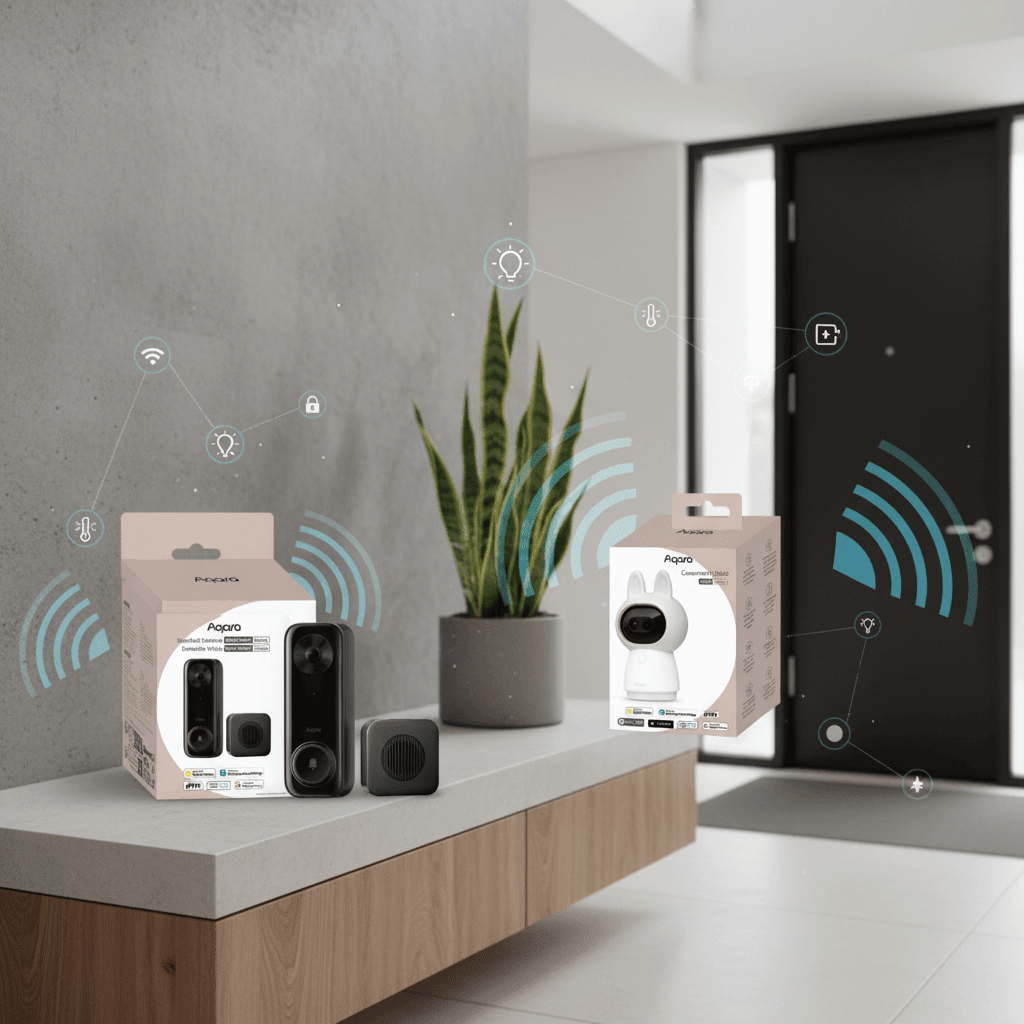
Select devices with security and longevity in mind. These criteria help identify vendors likely to support you long-term:

Smart Locks
– Choose locks with end-to-end encryption and local backup keys.
Security Cameras
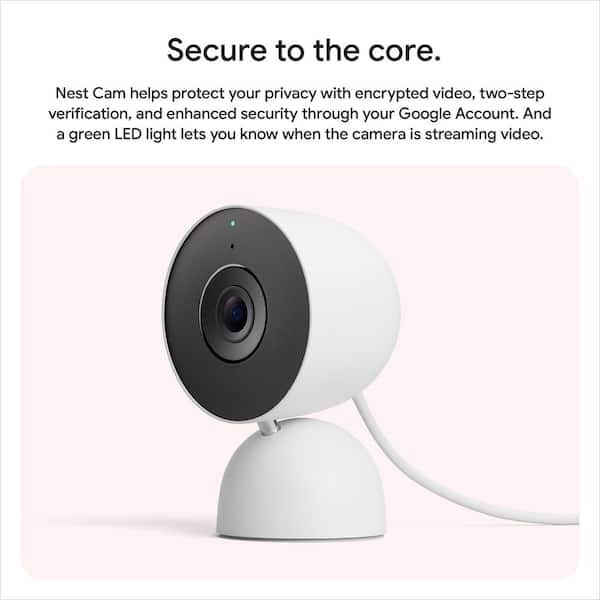
– Opt for cameras that support encrypted streams and on-device storage (microSD) as an alternative to cloud-only storage.
Hubs and Bridges
– Prefer open standards and hubs that support local automations (e.g., Home Assistant, Hubitat) to reduce cloud dependence.
Network Architecture: Practical Setup Steps
Below is a practical network design to separate risks and streamline management.
Use firewall rules to block unnecessary inbound ports and limit outbound connections to known cloud endpoints for each device type. For advanced users, run network monitoring tools—such as Pi-hole, Home Assistant network integrations, or commercial network security appliances—to detect anomalies and block malicious domains.
Local Control vs. Cloud: Pros and Cons
Local control offers privacy and resilience if the vendor’s cloud fails. Cloud services provide easier setup, remote access, and value-added features like AI detection. Choose based on your priorities:
| Aspect | Local Control | Cloud Control |
|——–|—————|—————|
| Privacy | Higher (data stays in-home) | Lower (data stored/processed off-site) |
| Reliability | Depends on local hardware | Depends on vendor uptime |
| Features | Basic to advanced with community integrations | Often includes cloud AI and remote access |
| Setup complexity | Higher for beginners | Lower – usually plug-and-play |
Privacy Considerations and Data Management
Smart devices collect significant data: video, audio, location, and usage patterns. Protect this information with these measures:
Key takeaway: Treat smart home data as you would sensitive personal data—presume it can be accessed if not actively protected.
Maintenance and Ongoing Security Habits
Security is continuous. Create a maintenance routine that includes:
Use a password manager for storing complex passwords and generating unique credentials for each device and account.
Responding to a Smart Home Security Incident
Have a clear plan in case of compromise:
Keep a printed or offline copy of recovery steps and critical credentials in case your primary password manager becomes inaccessible.
Case Study: Securing a Two-Bedroom Smart Home
Scenario: A couple with a smart lock, two indoor cameras, a smart thermostat, and a voice assistant wants a secure setup without losing convenience.
Recommended implementation:
Result: The couple retains remote control and automation while limiting exposure and retaining the ability to operate devices locally if the vendor’s cloud is unavailable.
Recommended Products and Tools (2026)
Devices and tools mentioned below are examples of security-focused products. Evaluate current reviews and firmware support before purchase.
FAQs: Voice Search–Friendly Questions
How do I make my smart home more secure?
Change default passwords, enable MFA, segment your network, keep firmware updated, and choose devices from reputable vendors.
Should I use cloud services or keep everything local?
Use local control when privacy and reliability are top priorities. Use cloud services for convenience and advanced features, but limit data retention and apply strong account security.
What is the best way to manage passwords for smart devices?
Use a password manager to create and store unique passwords. Rotate critical passwords periodically and use MFA where available.
Schema Markup Recommendation
Use JSON-LD Article schema including headline, author, publisher, datePublished, description, keywords, and mainEntityOfPage. Add FAQPage schema for the FAQ section to increase chances for rich results.
Image Alt Text Suggestions
– “Home Wi‑Fi router with multiple connected devices”
Social Sharing Optimization
Create an engaging meta description (under 160 characters): “Secure your smart home in 2026 with practical strategies for devices, networks, and privacy—step-by-step guide for homeowners.” Customize Open Graph tags with a clear image of a secure smart home and an attention-grabbing title. Include shareable quote text such as: “Change default passwords and enable MFA—the simplest steps to protect your smart home.”
Conclusion
Smart home security requires attention to device choice, network architecture, and ongoing maintenance. Prioritize changing defaults, network segmentation, trusted vendors, and regular updates. Balance cloud convenience and local control based on your privacy needs, and maintain a clear incident response plan. By implementing the practices above, you’ll significantly reduce the risk of intrusion and data exposure while enjoying the benefits of a connected home.
Actionable next steps: Audit your current devices, update or replace any that lack recent firmware updates, enable MFA on vendor accounts, and segment your network today.
For further reading, explore detailed router setup guides and step-by-step tutorials for Home Assistant and VLAN configuration. A tailored configuration plan can be created based on your exact device list and ISP setup.